Helping entrepreneurs build startups using Vibe Coding.
Explore Vibe Apps
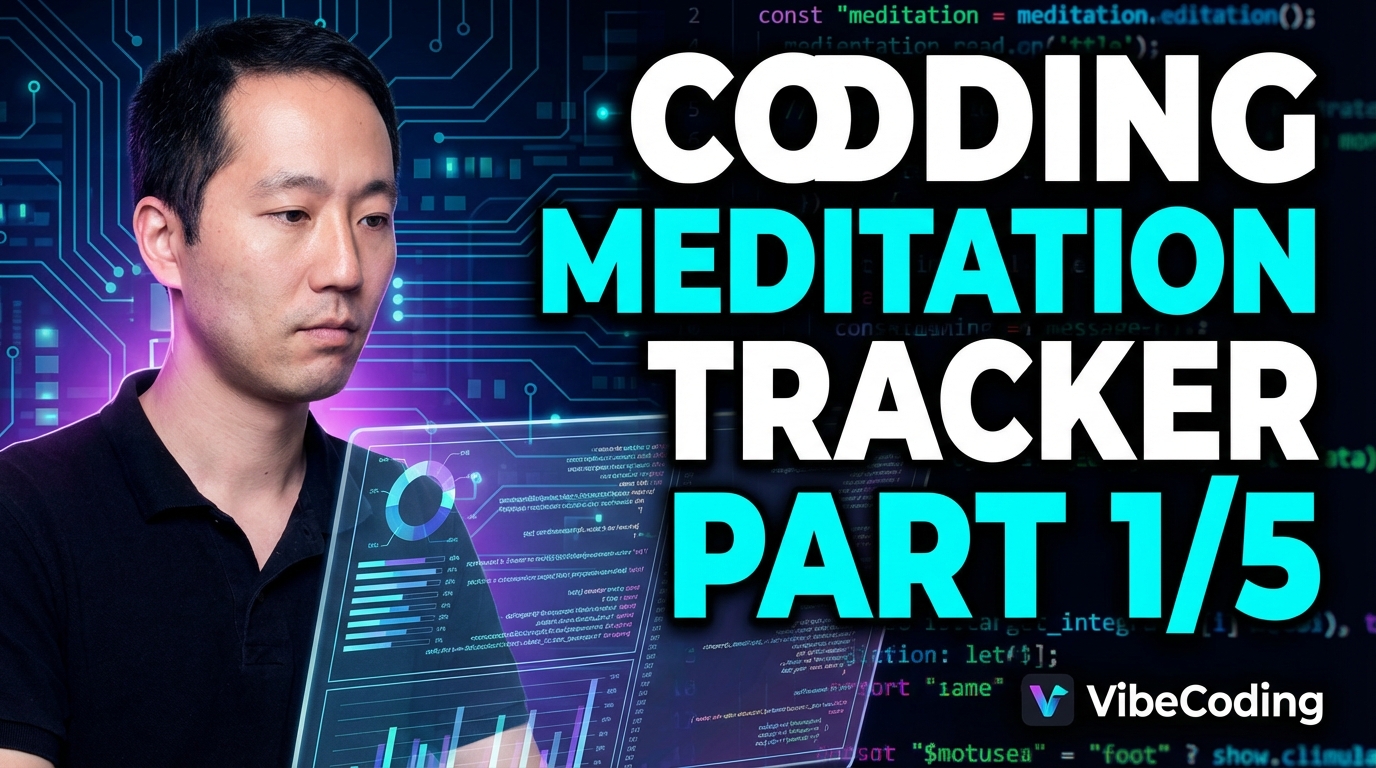
Meditation Tracker
**Unlock Your Inner App Developer with VibeCoding! (Part 3/5)** Ready to bring your app ideas to life? In this video, we dive deeper into the world of app development using VibeCoding, the intuitive, AI-powered approach that makes coding accessible to everyone! Forget complex code and frustrating errors. We're using VibeCoding to easily design the look and feel of our meditation app, focusing on creating a beautiful and user-friendly experience. **In this episode, you'll learn how to:** * Generate design variations effortlessly using AI. * Craft a consistent and appealing style guide. * Define a design system to ensure a cohesive look across your app. **Prompts in action:** * [00:00:06] - Designing the look and feel * [00:00:38] - Generating design variations with AI * [00:00:69] - Creating a comprehensive design & style guide Whether you're a complete beginner or an experienced developer, VibeCoding will empower you to build amazing apps with ease. **Watch the full series to become a VibeCoding master:** * Part 1: [Link to Part 1] * Part 2: [Link to Part 2] * Part 4: [Link to Part 4] (Coming Soon!) * Part 5: [Link to Part 5] (Coming Soon!) Don't forget to like, subscribe, and share this video with anyone who wants to learn how to code! Let's build the future of apps, together! #VibeCoding #AppDevelopment #NoCode #AI #Tutorial #CodingForBeginners #WebDevelopment #DesignSystem #StyleGuide #MeditationApp ## Prompts Used: - Let's create the design of the style the look and feel next - the prompt for style guide sorry let's get the description of the app from - give me three variations for the look and feel of this website - Organic Zen Deep Focus Theragrass Organic Zen Let's go with variation one - please come up with the design guide style guide and design system Which my application will be built on - the design system and style guide - how the colors the fonts and the look and feel of the entire web application will be like Tool used: https://gemini.google.com Reference AI Chat: https://gemini.google.com/share/c74b71427992 GitHub Repo: https://github.com/VibeStartup-net/meditationtracker Website: https://meditationtracker.vibestartup.net ## Watch the Series: Episode 1: https://youtu.be/U02GefshNMo Episode 2: https://youtu.be/1WyzMSaX7SA Episode 4: https://youtu.be/N4wark3Z1cE Episode 5: https://youtu.be/L3KCIKYOd08
ScheduleIt
Ready to build your own apps? Join us in this final episode (Part 4/4) as we use VibeCoding – the AI-powered, intuitive coding approach – to create a shareable group calendar! In this video, you'll learn how to: * Create a group calendar that can be shared with a public URL. * Display date popularity by showing a number beside each date. * Update the image in the SMS conversation to reflect the latest popular dates. * Apply a style guide and design system ("The Clarifier"), including typography, Tailwind configuration, CSS variables, and component classes. * Handle authentication and authorization using provided credentials, MCP, and CLI. * Debug common errors like redirect issues, hydration mismatches, and non-unique key warnings. * Address permission errors for non-admin users (FirebaseError). * Implement a feature to display the most popular dates in descending order with names beside them. * Properly manage the server. We'll empower you to build real-world applications and solve common development challenges using VibeCoding! Missed the previous episodes? Catch up here: [Link to Part 1], [Link to Part 2], [Link to Part 3] #VibeCoding #NoCode #LowCode #AI #AppDevelopment #Tutorial #Coding #Firebase #WebDevelopment #Programming #CalendarApp #JavaScript #Debugging #Tutorial #TheClarifier ## Prompts Used: * Create a calendar that can be shared with a group via a public URL. * Show the popularity of each date by displaying a number beside it. * Update the image in the SMS conversation to reflect the latest popular dates. * Use the provided style guide and design system, specifically "The Clarifier" option, including typography setup, Tailwind configuration, CSS variables, and component classes. * Test with the provided username and password. * Fix the redirect to a 404 route after login. * Update permissions using MCP or CLI. * Address the hydration mismatch console error. * Address the console error related to non-unique keys in the CalendarClient component. * Test the provided URL with a non-admin user to reproduce and fix the "Missing or insufficient permissions" FirebaseError. * Add the ability to see the most popular dates ordered from most popular to least popular, with names beside the dates, and display this at the bottom of the screen. * Kill the server. * Kill the server listening on port 5000. Tool used: https://antigravity.google/ GitHub Repo: https://github.com/VibeStartup-net/scheduleit Website: https://scheduleit.vibestartup.net Contact: hello@vibestartup.net ## Watch the Series: Episode 1: https://youtu.be/F_MHQsrkNAQ Episode 2: https://youtu.be/-n6t5oJ7kXUM Episode 3: https://youtu.be/TNOH8ydDNrM